SCO solution: matrix
Error messages and out-of-order screens
The matrix SCO app can show either errors or out-of-order screens to help employees understand when an unexpected error happens, and what steps to take next to resolve it.
Error messages are bottom sheets that can appear when an invalid or unknown product is scanned during the shopping journey.
The “Out of order” screen disables the matrix overall and can be triggered manually or automatically. The matrix system is regularly checking for hardware compliance, and if any piece of hardware has an issue that requires attention, the out-of-order screen will appear automatically, with a description of the issue to be resolved.
The manually-enabled out-of-order screen is launched from the Settings page, which can be opened by scanning the “Open settings” code in the Supervisor app. This screen does not include a description of the error, so this helps differentiate the cause of the “out of order” screen.
Out-of-order screens
The “Out of order” screens are displayed automatically when the matrix system detects an error with an essential component that the matrix requires for normal functionality.
The following screenshots can help you understand the different possible “errors” and what can be done to resolve them.
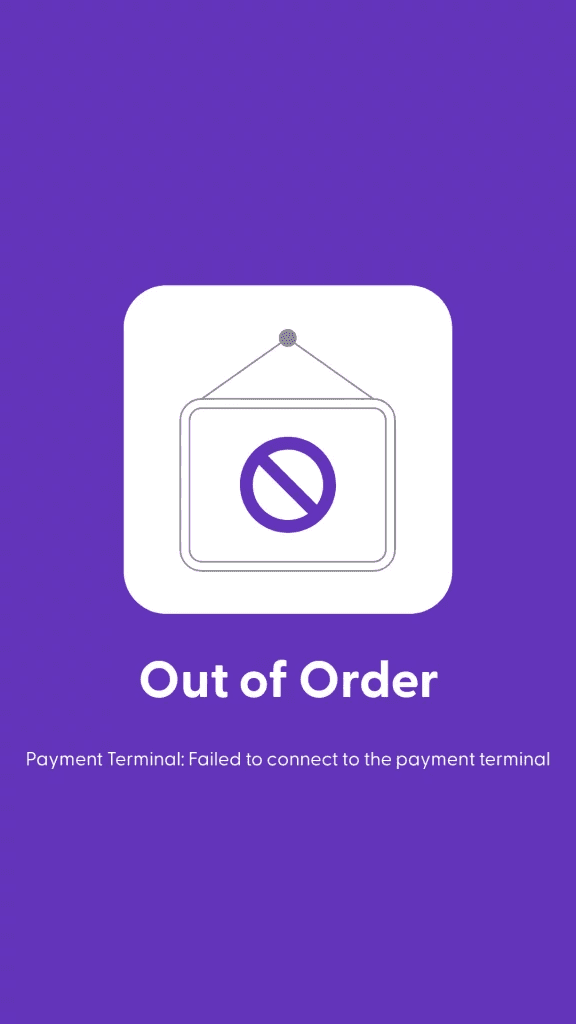
Screen message: Payment terminal error
This error indicates that no payment terminal has been configured for this device yet. If you see this error, please go to the Management Console, browse the “matrix” menu, find the corresponding device, edit the details, and add the Payment Terminal details.
The matrix app will be enabled automatically moments after the payment terminal details have been saved in the shopreme Management Console.
Please note:
The communication with the Payment Terminal is wireless, so there is no direct USB connection between the terminal and the matrix tablet.
For Verifone P400Plus payment terminals: Ensure that the payment terminal shows a “Cloud” icon at the top to confirm that it is connected to the internet and it reaches the PSP.
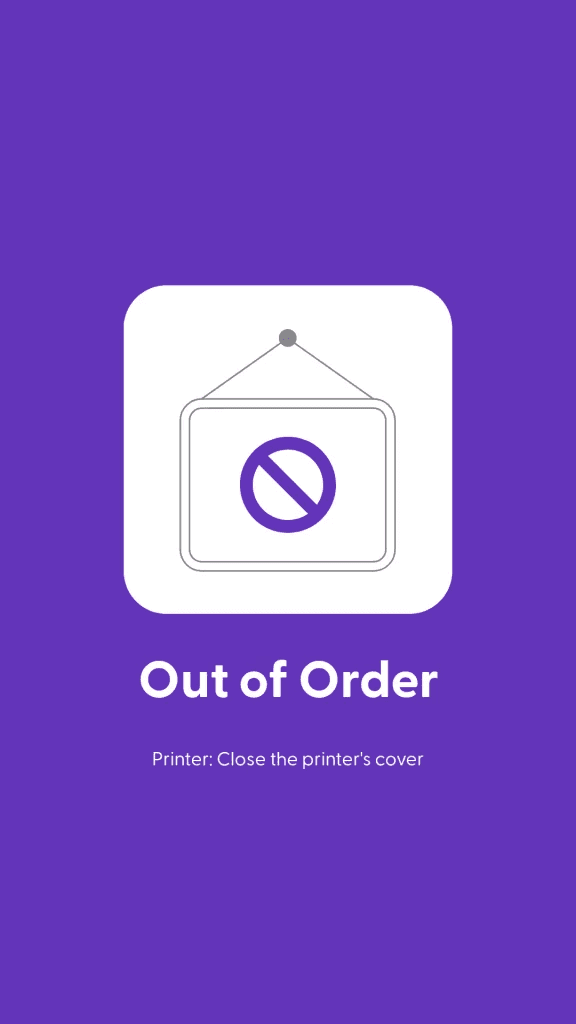
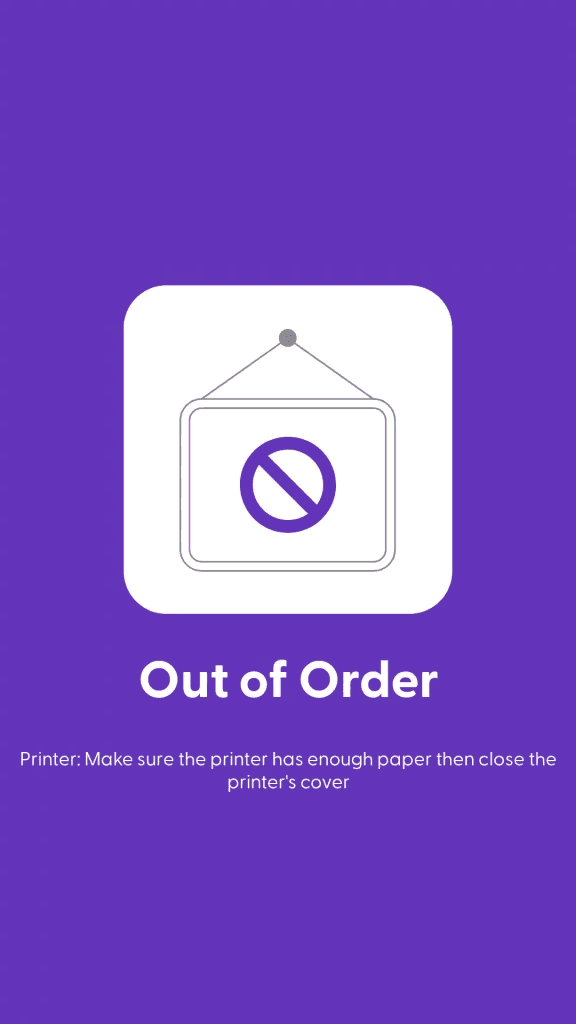
Screen: Printer’s cover is open
This message informs the employees that the printer’s cover is open or not closed properly.
The printer functionality will not be available if the printer is not ready to print.
As printing receipts is a key functionality of the SCO process, an issue with the printer will always trigger an out-of-order state.
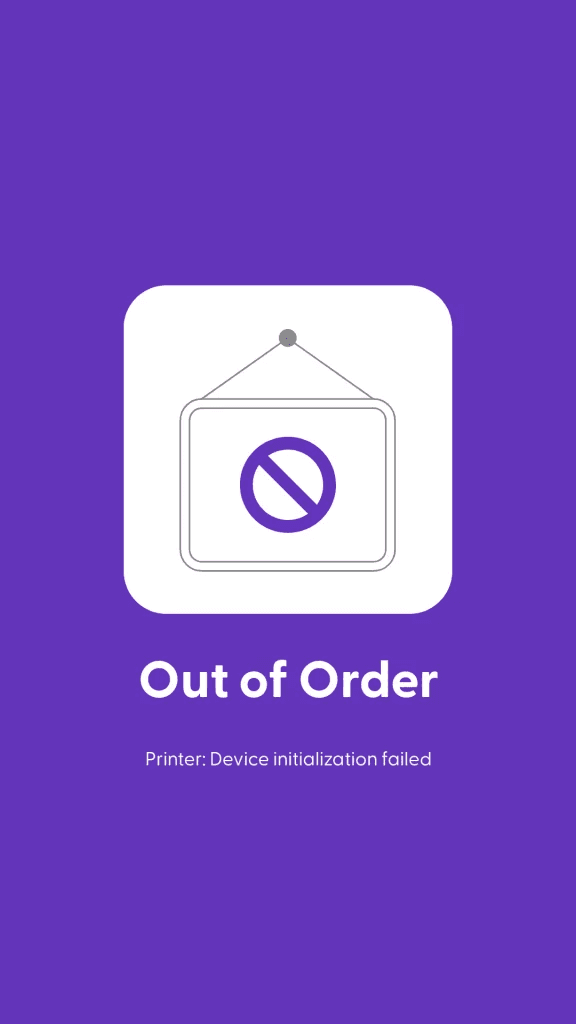
Screen: Printer initialization failed
This message means that there is an issue when the matrix app is trying to connect to the printer.
Verify the cable connections (power and USB) from and to the printer.
Verify that the printer is on and connected (blue lights).
Please note:
If you adjust any loose cabling, please ensure that you turn off the device, reconnect any cable, and then turn on the device again. This prevents most unexpected behaviors.
Screen: Paper in the printer
This message indicates that an employee should add a new paper roll inside the printer to be able to continue printing receipts.
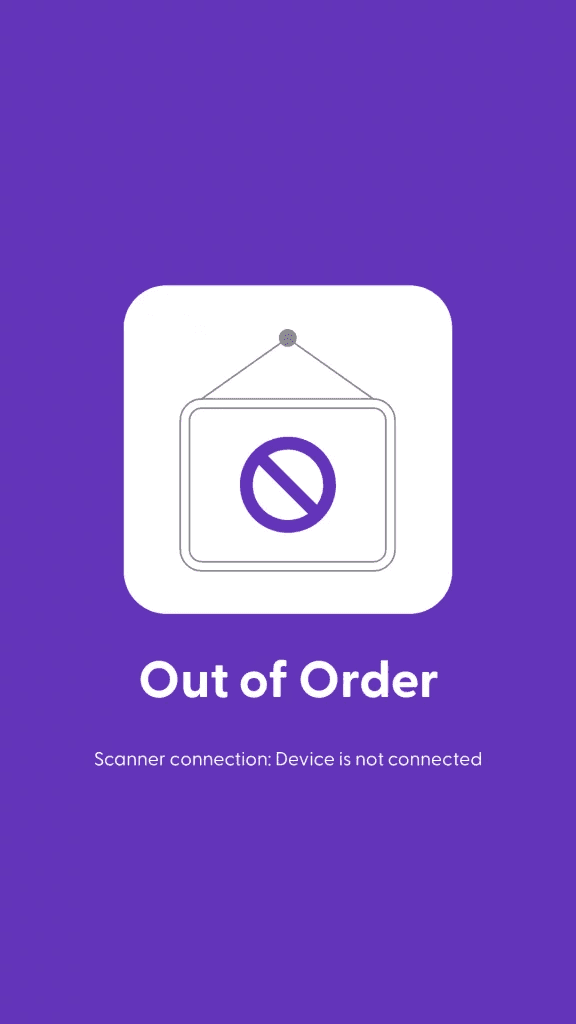
Screen: Scanner connection
This message means that there is an issue when the matrix app is trying to connect to the scanner.
Verify that the scanner is on: hover your hand over the scanner and it should light up or react to barcodes (beep).
Verify the cable connections (USB) from and to the printer. Adjust any loose cabling.
Please note:
If you adjust any loose cabling, please ensure that you turn off the device, reconnect any cable, and then turn on the device again. This prevents most unexpected behaviors.
Other error screens during purchases
Note: The screens below may vary significantly depending on your custom styling, wording, and features available. These screens are only for illustrative purposes of different functionalities.
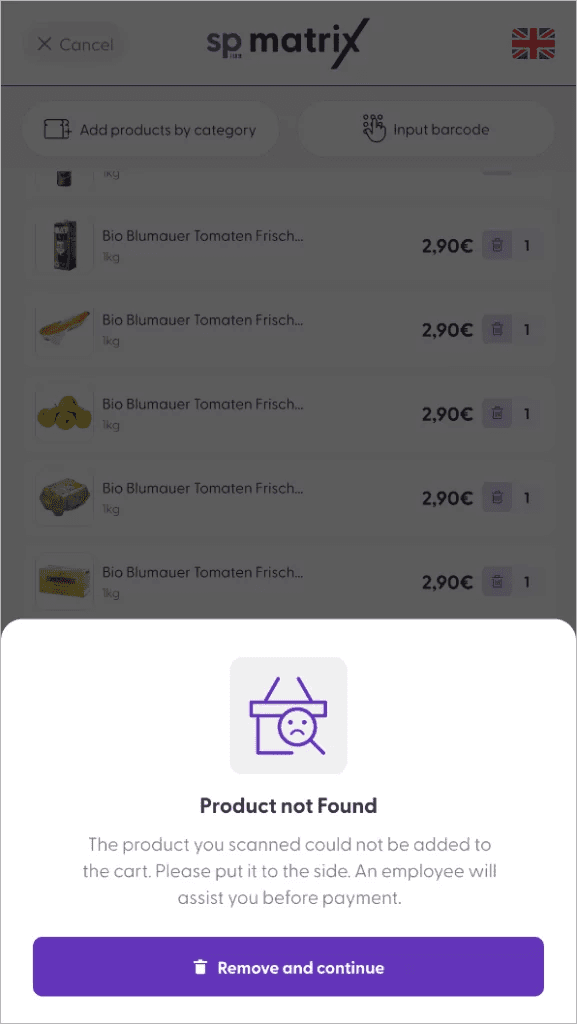
In this case, a customer has scanned a product that cannot be recognized by the matrix app. Some causes of this could be any of the following:
Product has not been imported at all and cannot be found in the Management Console.
Product has been imported but there is no price available for the current store.
Product has been imported and has a price, but the scan code (barcode) is not correct or follows an unregistered pattern.