Scan & Pay and SDK
Digital receipts
Overview
In many regions, generating a receipt is a legal requirement, but paper receipts often end up as waste, especially for customers who do not need a printed copy. With shopreme’s Digital Receipts, introduced in ShopremeCore SDK 2.7.0, shoppers can save their receipts digitally in their shopping app using the shopreme SDK, even for purchases made at a traditional cash register with the help of store employees.
All digital receipts are conveniently stored in the app under the shopper’s profile, where they can view both receipts generated through Scan & Go and copies of receipts from regular in-store purchases.
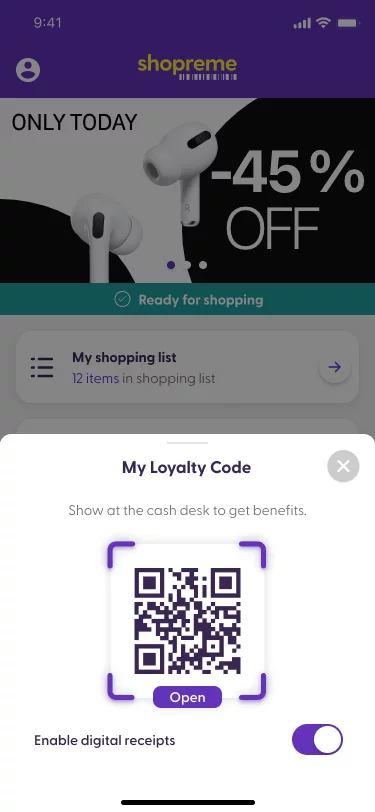
Digital receipt to scan at the cash desk
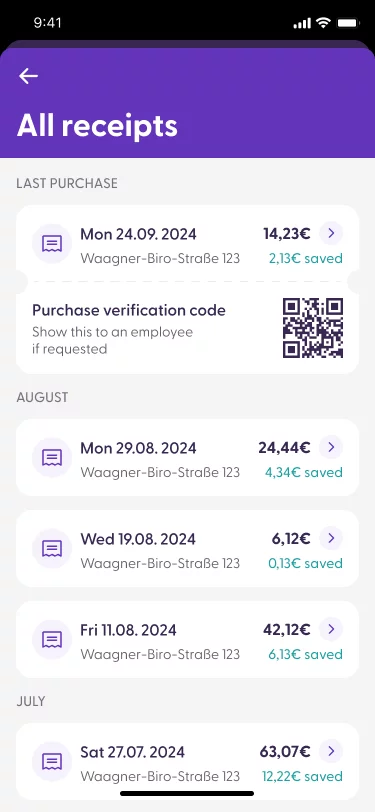
Digital receipt in the app
How it works: User journey
At checkout
The shopper brings their items to a staffed checkout counter.
Activating digital receipts
In the shopping app (with the shopreme SDK), the shopper enables the “Activate e-receipt” option within their profile. The retailer can then generate a unique QR code for the transaction in the app.
Scanning the QR code
The cashier scans the QR code, linking the transaction to the shopper’s account.
Completing the purchase
After completing payment with cash or card, the shopper receives a push notification confirming that their digital receipt is available in the app.
Accessing the receipt
Tapping the notification takes the shopper directly to their digital receipt in the app. They can also find it anytime in their profile’s receipt history.
Integration concepts
For the digital receipt feature to work, the store’s checkout system needs to recognize and process the QR code generated by the Scan & Go app, linking the transaction with the shopper’s account information. This integration also allows for the seamless application of any coupons or loyalty benefits.
Contact your shopreme integration consultant to learn more about how to integrate your in-store cash register systems to the shopreme ecosystem.
Backend features
The shopreme backend system processes and stores third-party receipts, making them available within the app. Through the shopreme Management Console, users can access a section called “External Receipts,” where they can view and download receipts from both shopreme and third-party checkouts in PDF format.
Notifications: Our backend will inform the retailer’s backend when a digital receipt is available, and the retailer is responsible for sending the notification from their system. If shopreme manages the Scan & Go application, shopreme will manage the notification service.
SDK features
User preferences: Configuring and saving user preferences for external digital receipts in the shopreme server.
Receipt management: Displaying the digital receipt in the app’s receipt list, where it can also be downloaded for reference.
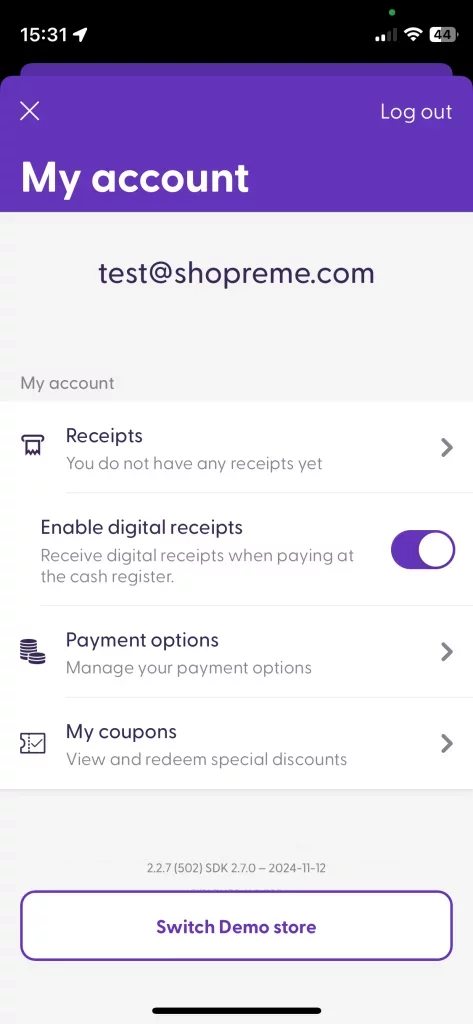
Toggle to enable the feature
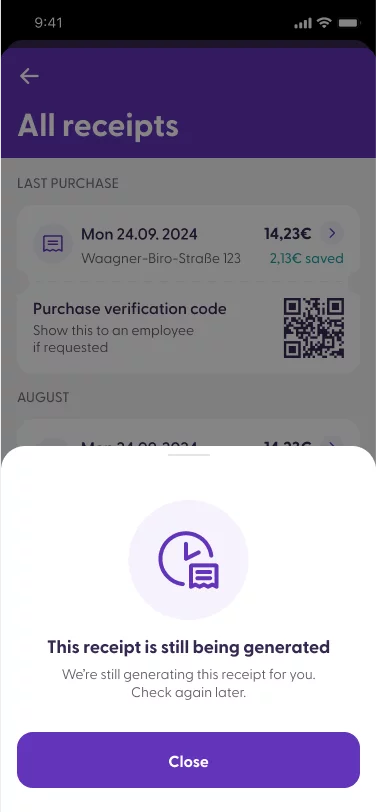
Receipt not available yet
