Exit solution: vector
User journeys
vector for checkout
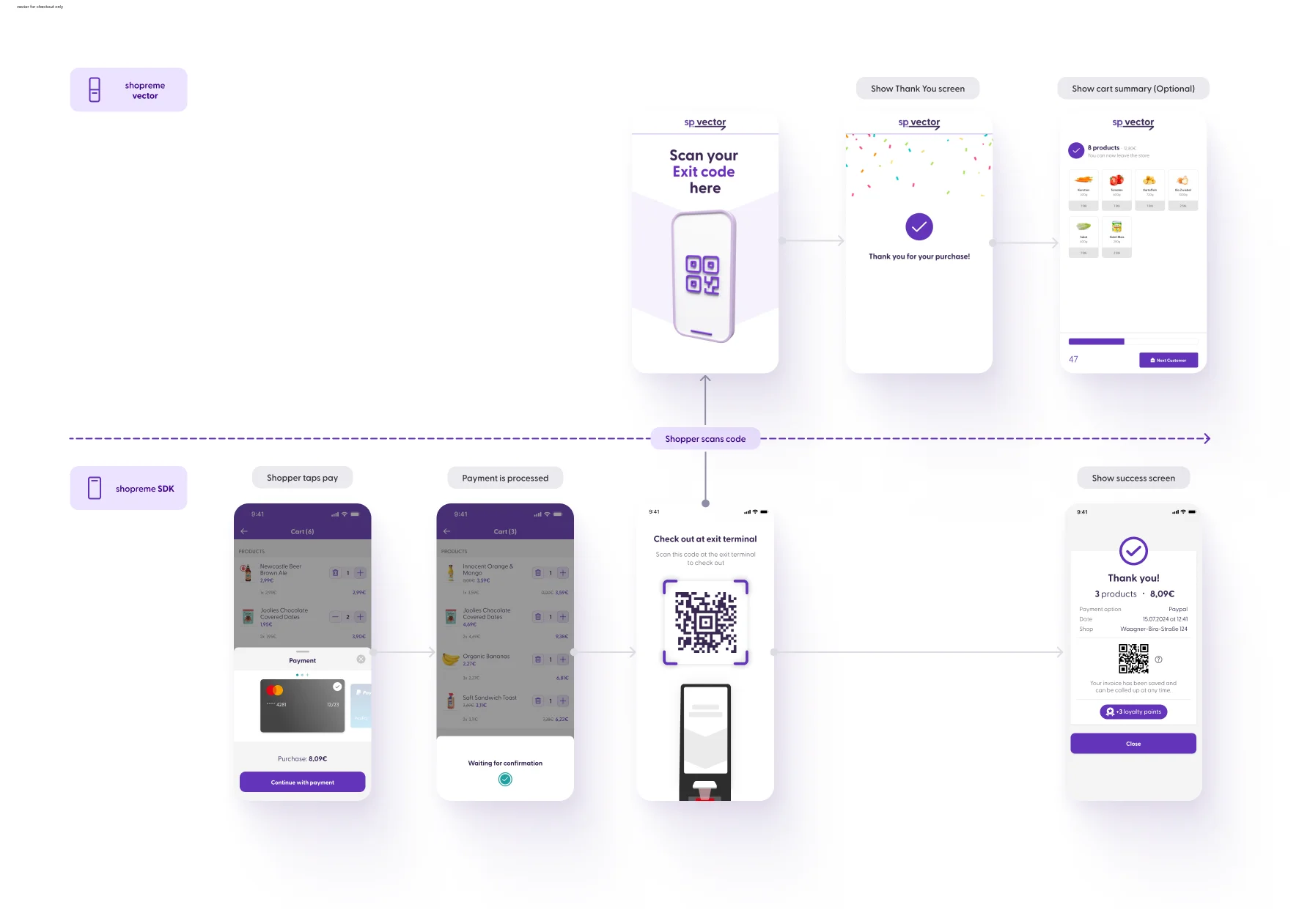
If your store has the option “Check out at vector” enabled, customers must verify their purchase before leaving the store. This provides clarity to customers, as it is a physical endpoint for the user journey, and they will know they can safely leave the store. Additionally, it clearly indicates to store employees that a user completed their shopping trip with Scan & Go.
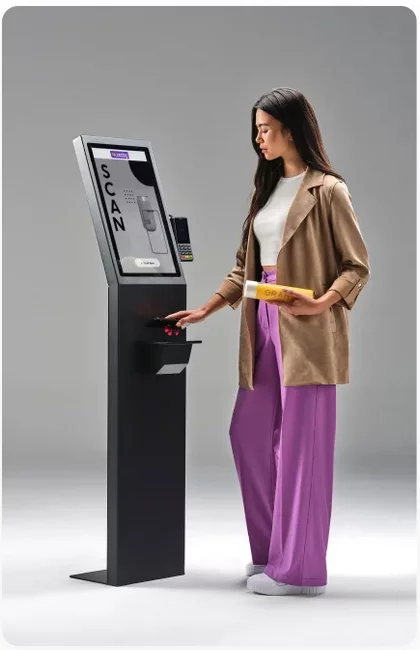
When a customer scans their QR Code to check out, shopreme vector will verify the information on the QR code for receipt validity, timestamp, and store location. If everything is confirmed, the vector will show a success screen and open the gate (if available) to allow the customer to leave the store. After a set amount of time, the screen will return to the idle-screen animation.
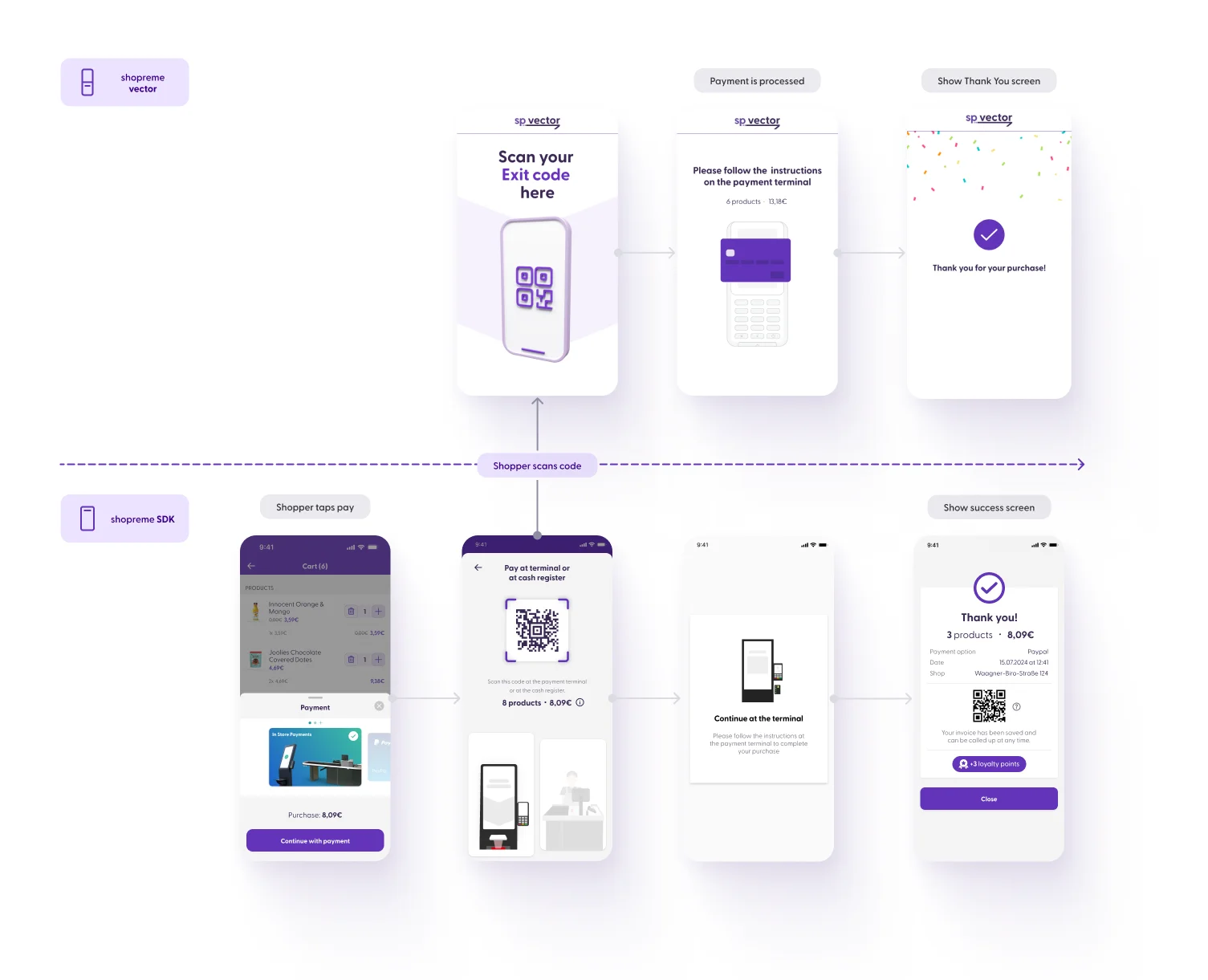
vector as point-of-sale (POS)
If your vector has a payment terminal set up, customers can pay for their purchase at vector. The customer will need to choose an “In-store” payment method on their Scan & Go app, and their screen will show a QR code. When scanning this QR code at the vector, the payment terminal will be activated automatically, to allow the shopper to use a physical card to pay on the POS terminal.
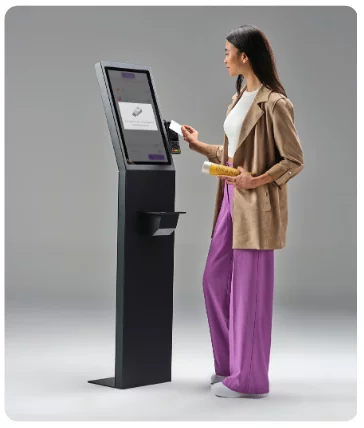
Once the payment is validated, the shopper will see a “Thank you” animation on the vector and the Scan & Go app. If available, the physical gate next to the vector will open to allow the shopper to leave the store. After a set amount of time, the gate will close, and the screen will return to the idle-screen animation.